

Step 1: Go to StudyStash Admin Dashboard Step 2: Click ‘Add Course’ Step 3: Click ‘Get Started’ Step 4: Click ‘Download CSV Templates’ or download them here: student_template.csv lecturers_template.csv
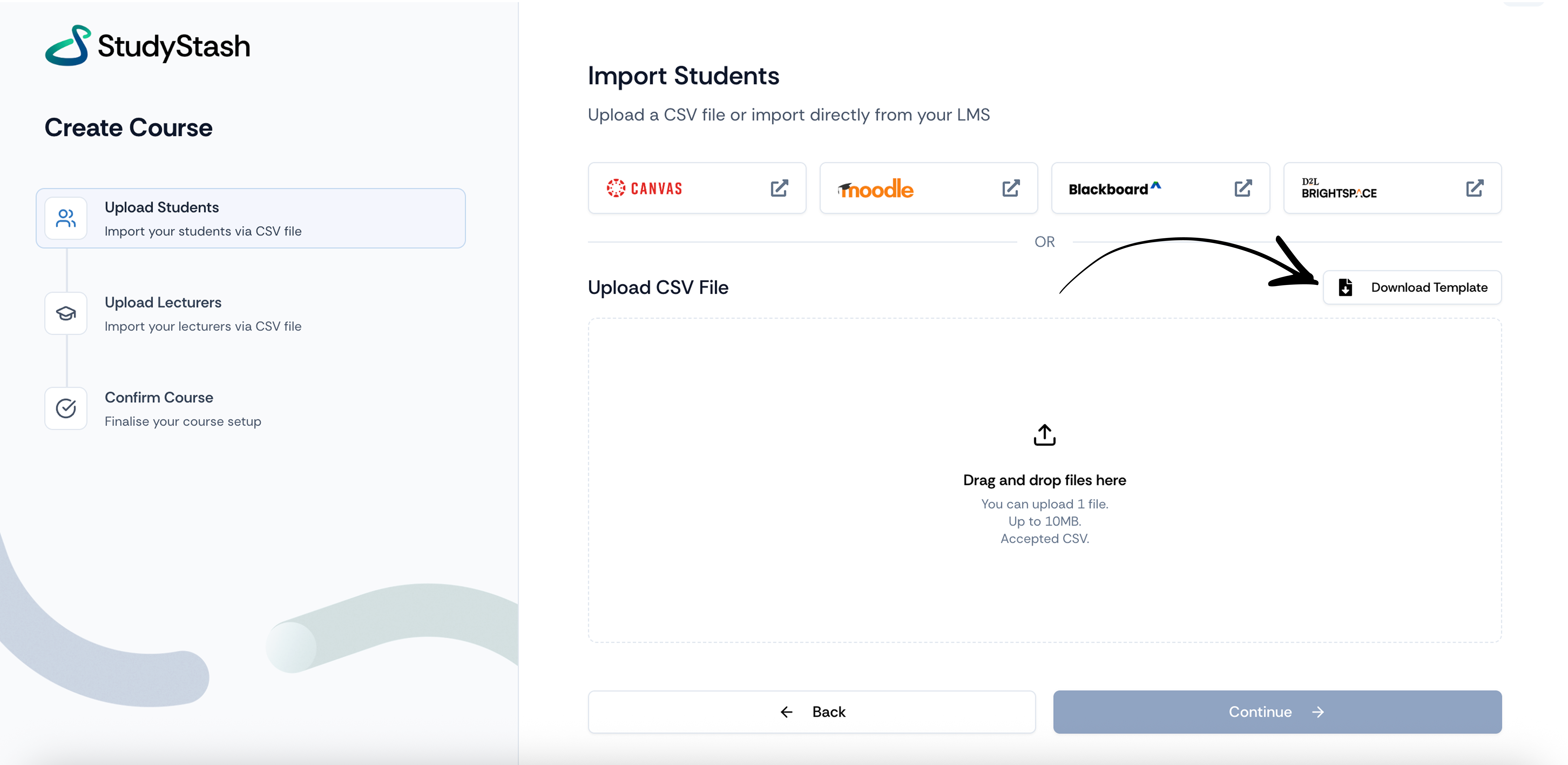
Figure 1. Download Template Button
To upload both students and lecturers, simply download the CSV template below, populate it with the required details, and then upload it to the Admin Dashboard.
Figure 1. Download Template Button