

Example announcements within LMS:
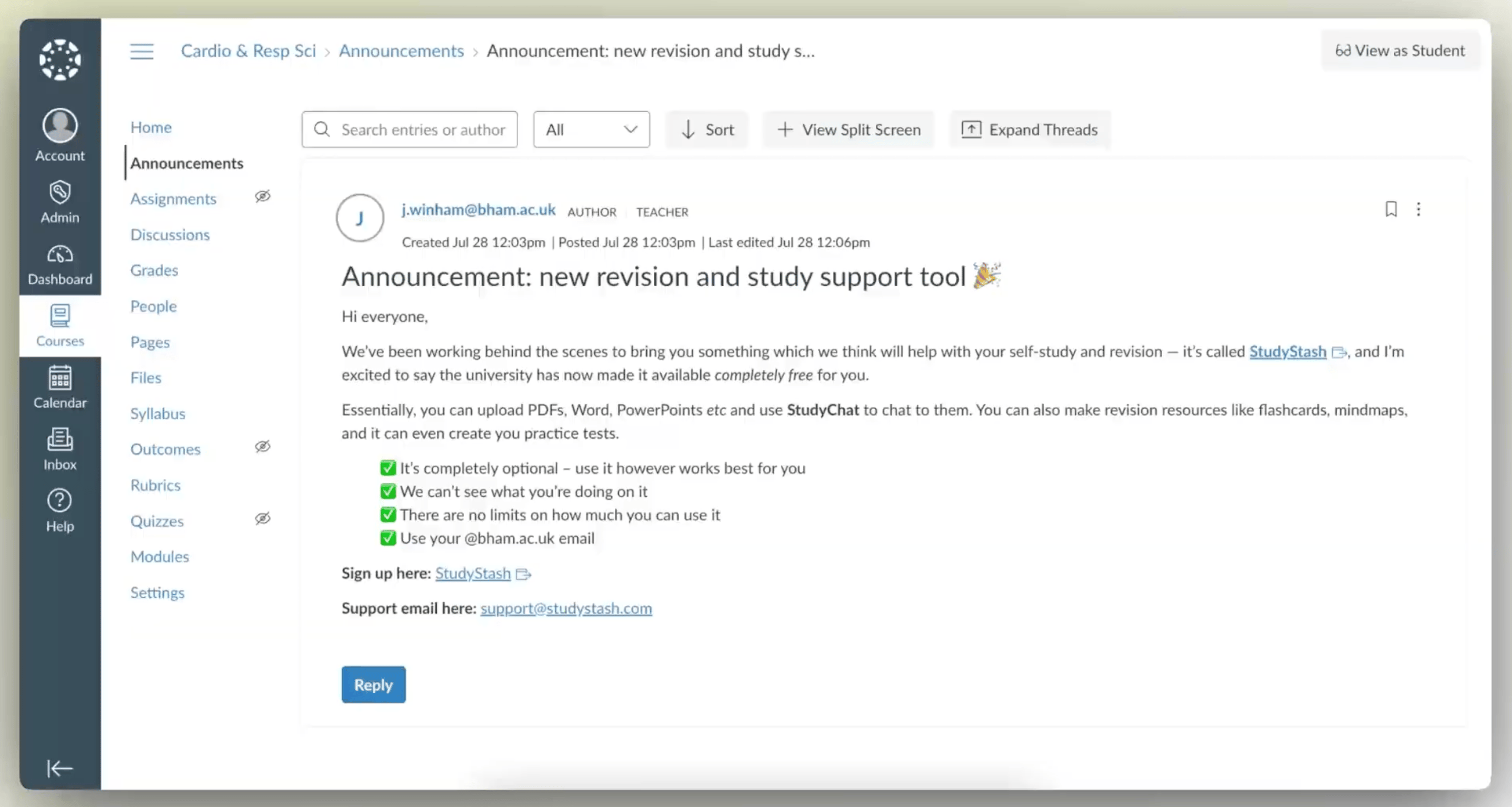
Figure 1. Example StudyStash announcement within Canvas LMS
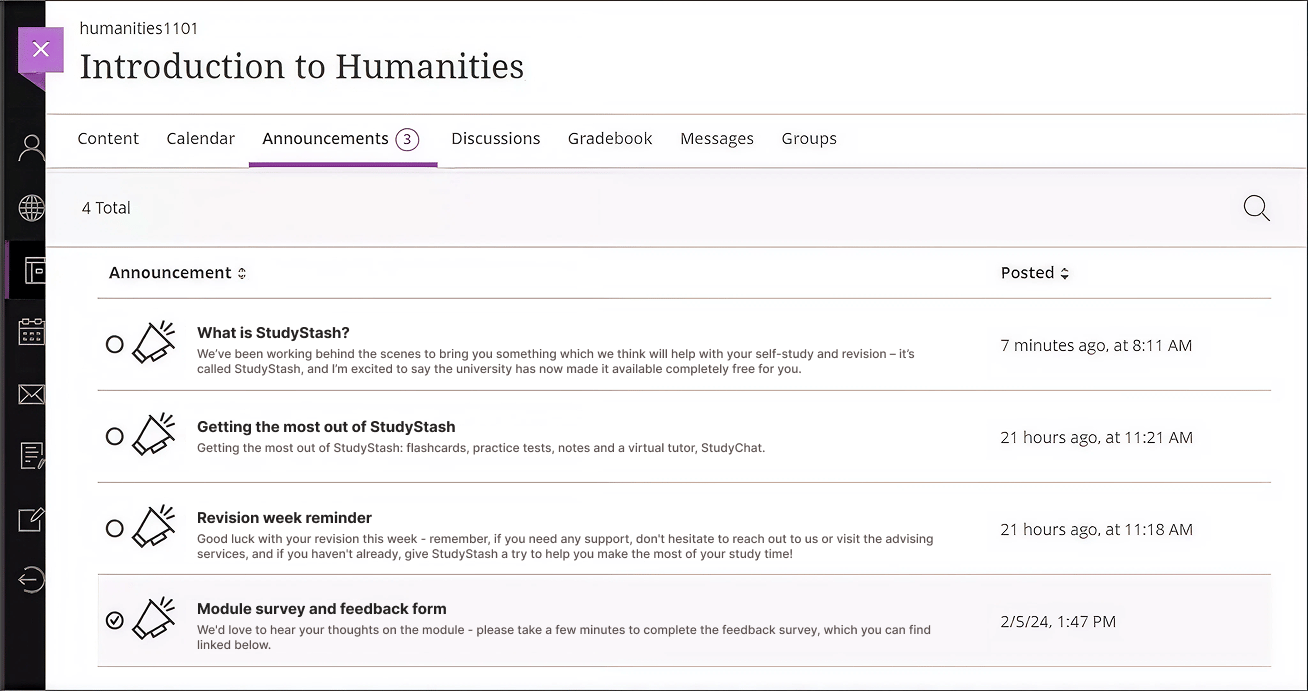
Figure 2. Example StudyStash announcements within Blackboard LMS
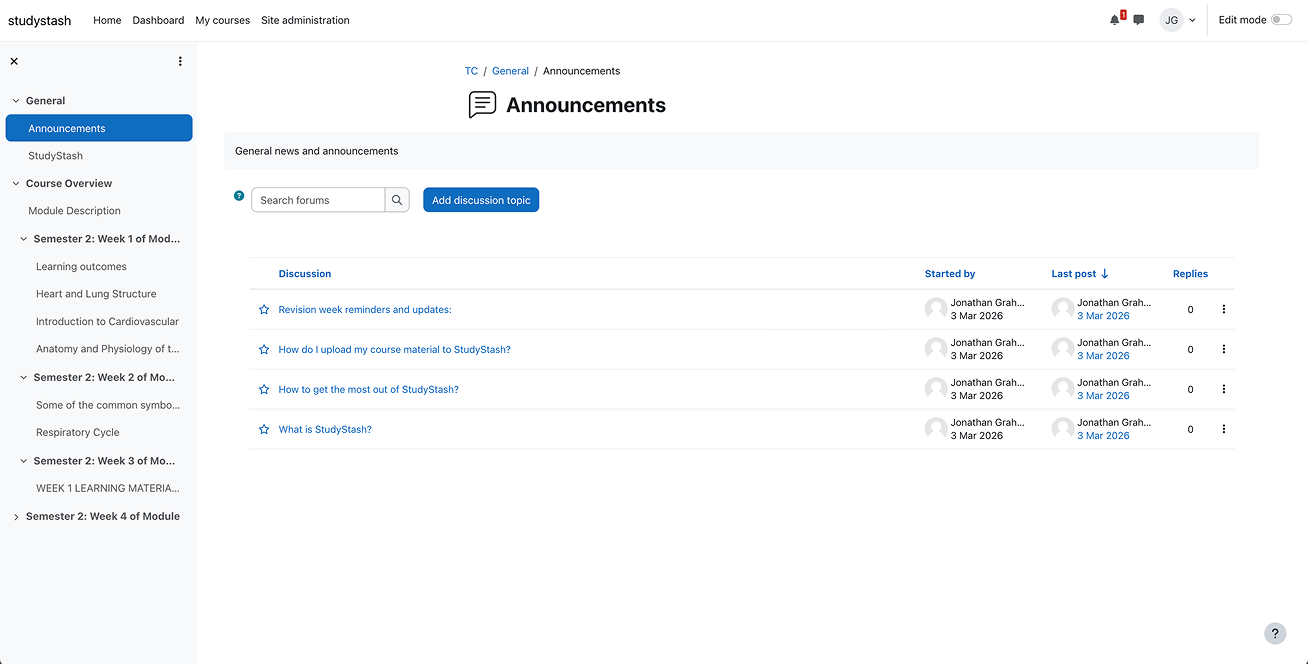
Figure 3. Example StudyStash announcements within Moodle LMS
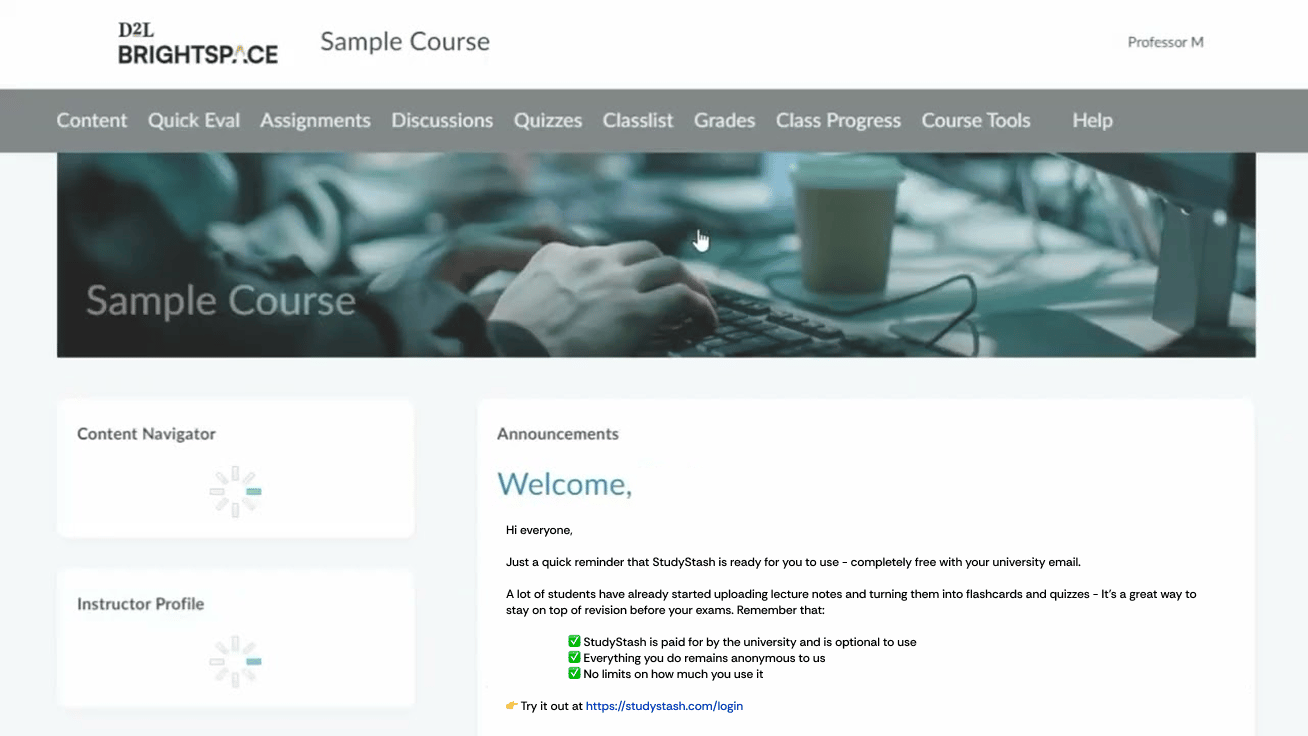
Figure 4. Example StudyStash announcements within D2L Brightspace
Example email announcement (1)
Subject: Announcement: new revision and study support tool 🎉 Hi everyone, We’ve been working behind the scenes to bring you something which we think will help with your self-study and revision – it’s called StudyStash, and I’m excited to say the university has now made it available completely free for you. With StudyStash, you can upload your course content (like PDF’s, Powerpoints) and create study resources such as flashcards, practice tests, and even a virtual tutor called StudyChat! ✅ It’s completely optional – use it however works best for you✅ Your activity on the platform remains anonymous to us.
✅ There are no limits on how much you can use it
✅ Use your @[student.ac.uk] email Sign up here: StudyStash Support email here: support@studystash.com
Example email announcement (2)
Subject: Have you tried StudyStash yet? Hi everyone, Just a quick reminder that StudyStash is ready for you to use - completely free with your university email. A lot of students have already started uploading lecture notes and turning them into flashcards and quizzes - It’s a great way to stay on top of revision before your exams. Remember that: ✅ StudyStash is paid for by the university and is optional to use✅ Everything you do remains anonymous to us
✅ No limits on how much you use it Try it out at StudyStash If you’d like a quick overview, here’s a short video (1 minute, 53 seconds), and if you need any help, drop a message to support@studystash.com. Best,
(Your Name)