> ## Documentation Index
> Fetch the complete documentation index at: https://help2.studystash.com/llms.txt
> Use this file to discover all available pages before exploring further.
# Template announcements for students
> This article contains template announcements that you can share via your LMS or email to introduce students to StudyStash.
Templates found here: [Template Pilot Announcement (LMS & Email & Reminder)](https://docs.google.com/document/d/1kW0MWJYGtbjP4gKpa1thDjrZswNriaiMMNUe3z0MRJs/edit?usp=sharing)
## Example announcements within LMS:
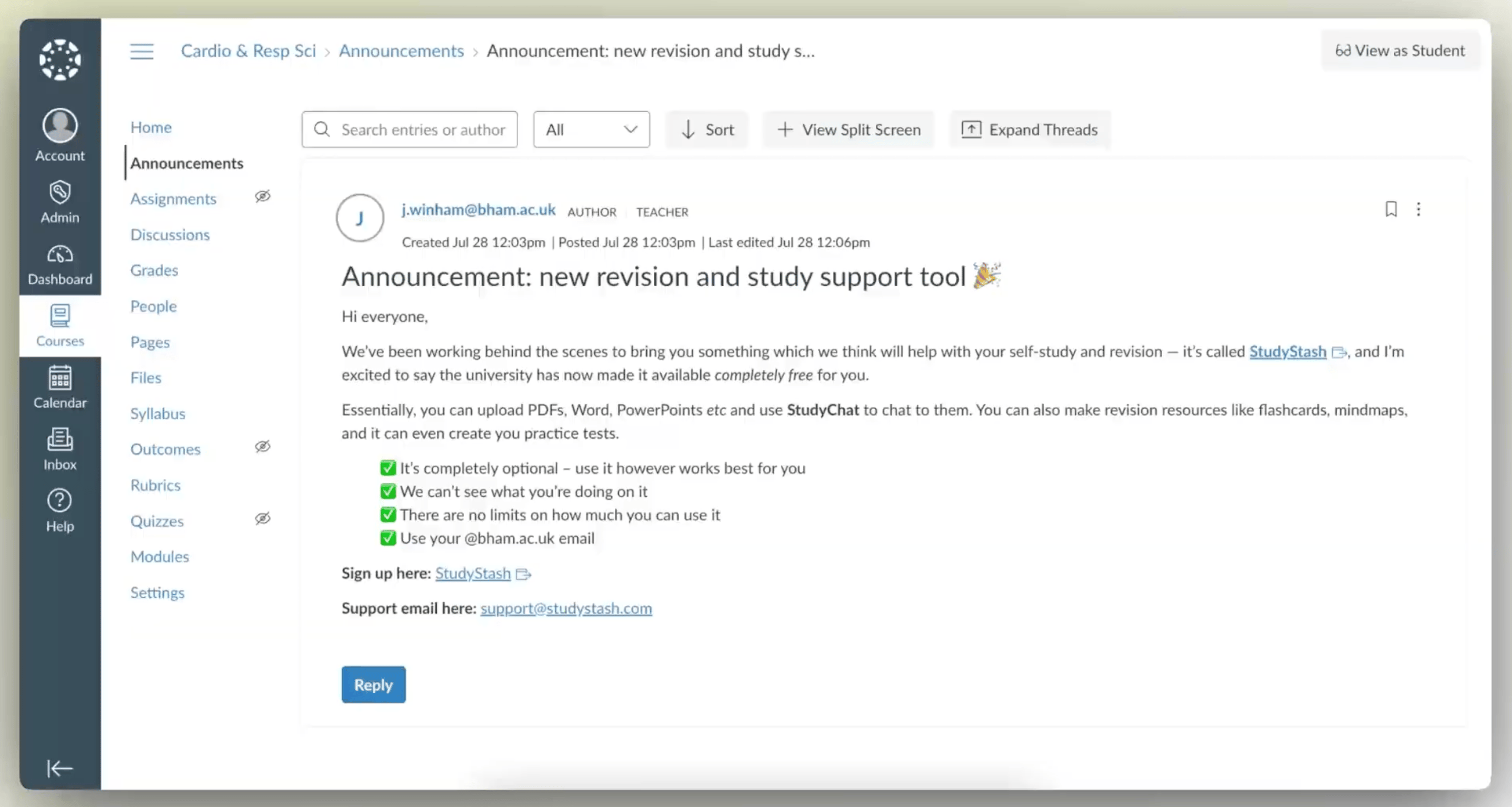
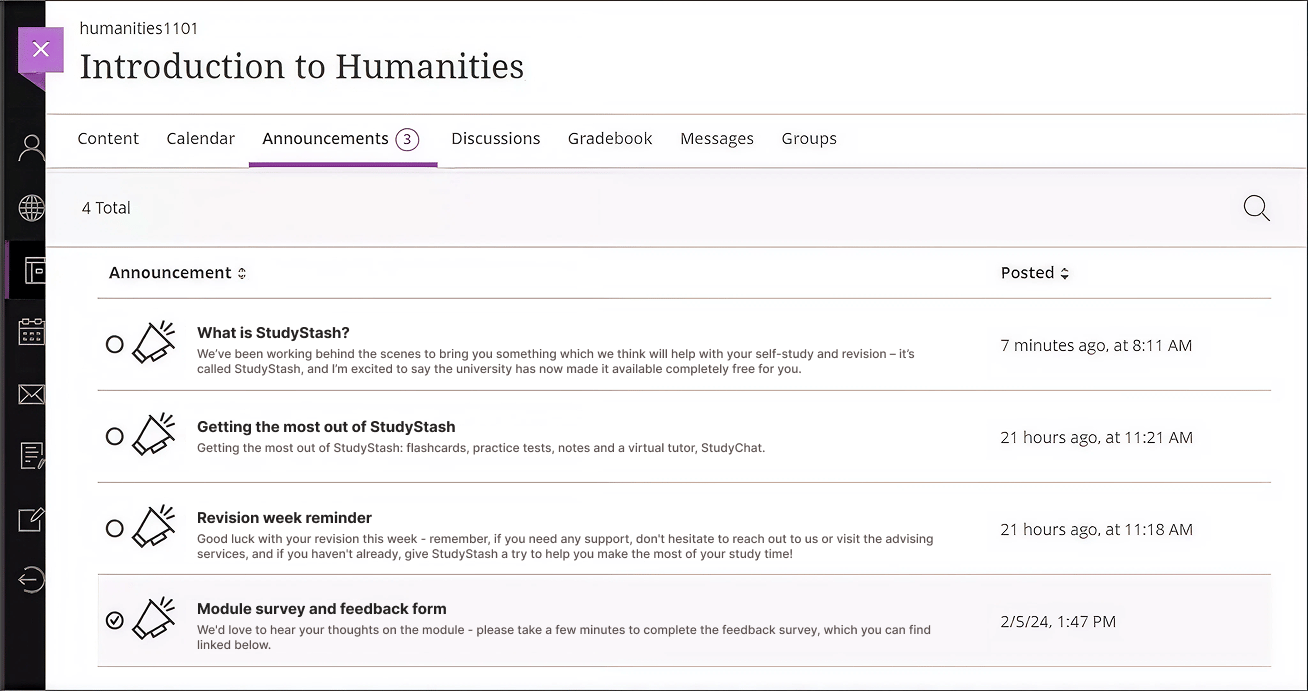
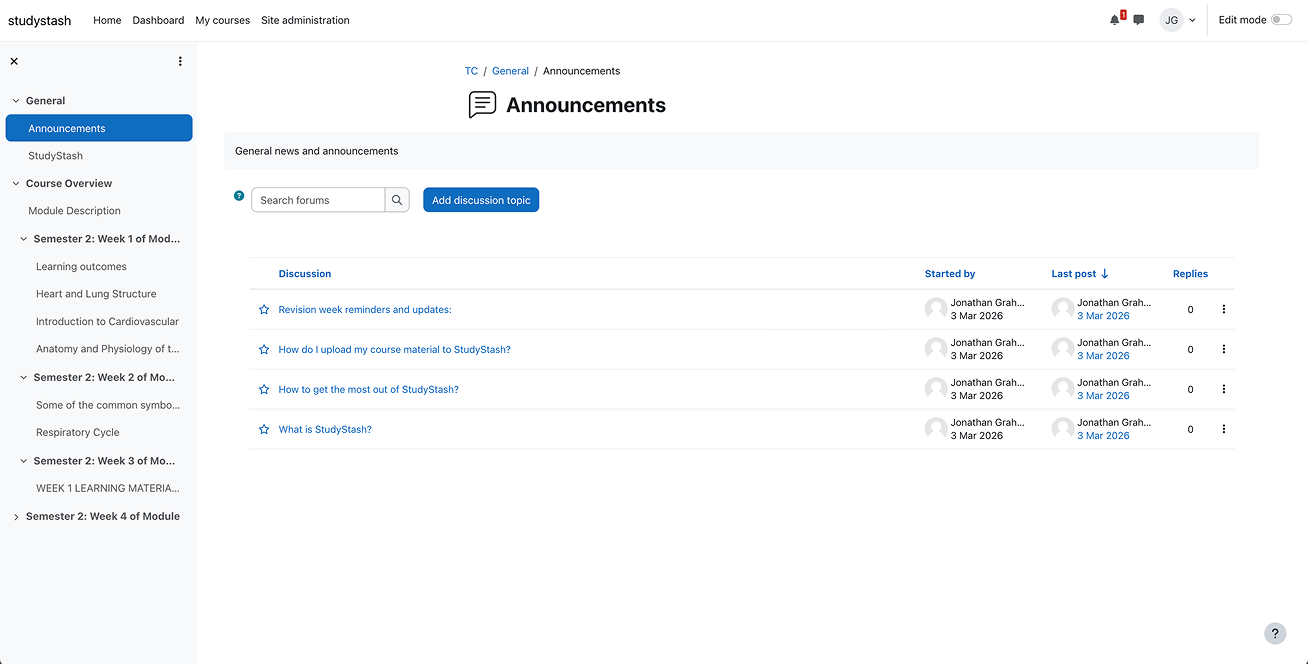
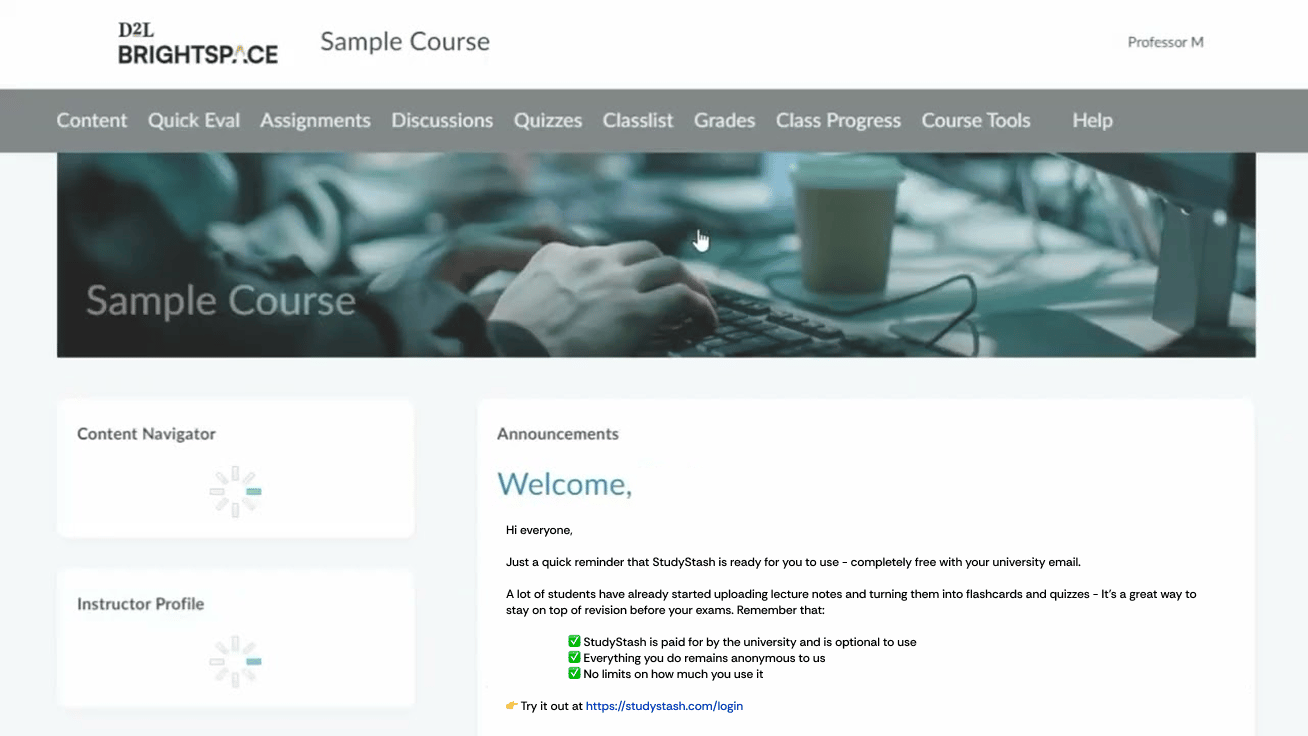 ## Example email announcement (1)
**Subject: Announcement: new revision and study support tool 🎉**
Hi everyone,
We’ve been working behind the scenes to bring you something which we think will help with your self-study and revision – it’s called [StudyStash](https://studystash.com/), and I’m excited to say the university has now made it available *completely free* for you.
With StudyStash, you can upload your course content *(like PDF’s, Powerpoints)* and create study resources such as flashcards, practice tests, and even a virtual tutor called StudyChat!
✅ It’s completely optional – use it however works best for you
## Example email announcement (1)
**Subject: Announcement: new revision and study support tool 🎉**
Hi everyone,
We’ve been working behind the scenes to bring you something which we think will help with your self-study and revision – it’s called [StudyStash](https://studystash.com/), and I’m excited to say the university has now made it available *completely free* for you.
With StudyStash, you can upload your course content *(like PDF’s, Powerpoints)* and create study resources such as flashcards, practice tests, and even a virtual tutor called StudyChat!
✅ It’s completely optional – use it however works best for you
✅ Your activity on the platform remains anonymous to us.
✅ There are no limits on how much you can use it
✅ Use your @\[[student.ac.uk](http://student.ac.uk)] email
Sign up here: [StudyStash](https://studystash.com/)
Support email here: [support@studystash.com](mailto:support@studystash.com)
## Example email announcement (2)
Subject: Have you tried StudyStash yet?
Hi everyone,
Just a quick reminder that StudyStash is ready for you to use - completely free with your university email.
A lot of students have already started uploading lecture notes and turning them into flashcards and quizzes - It’s a great way to stay on top of revision before your exams. Remember that:
✅ StudyStash is paid for by the university and is optional to use
✅ Everything you do remains anonymous to us
✅ No limits on how much you use it
Try it out at [StudyStash](https://studystash.com/)
If you’d like a quick overview, here’s a short [video](https://drive.google.com/file/d/1nvWMOrxFgqIwlhFIfhJZt95dHP5nUF0v/view) (1 minute, 53 seconds), and if you need any help, drop a message to [support@studystash.com](mailto:support@studystash.com).
Best,
(Your Name)
## Additional resources:
What is StudyStash (UK/EU): [https://drive.google.com/file/d/1xFQjC2qFDwjCCAC0afCbxbVwDlRUWyhF/view?usp=sharing](https://drive.google.com/file/d/1xFQjC2qFDwjCCAC0afCbxbVwDlRUWyhF/view?usp=sharing)
What is StudyStash (US): [https://drive.google.com/file/d/1XFxZFib\_AX285UIe3aHvK7YBjDFio5L1/view?usp=sharing](https://drive.google.com/file/d/1XFxZFib_AX285UIe3aHvK7YBjDFio5L1/view?usp=sharing)
The StudyStash Help Center: [How to get the most out of StudyStash](/about/get-the-most-out-of-studystash)
How to get the most out of StudyStash: [How to get the most out of StudyStash](/about/get-the-most-out-of-studystash)
StudyStash support: [https://support.studystash.com/](/support)
How do I sign up through the website: [How do I sign up through the website?](/students/sign-up-on-the-website)
How is my data being used: [https://trust.studystash.com](https://trust.studystash.com)
This documentation is built and hosted on [Mintlify](https://mintlify.com), a developer documentation platform.